BACKSTAGE
NEWS & GUIDES






BACKSTAGE
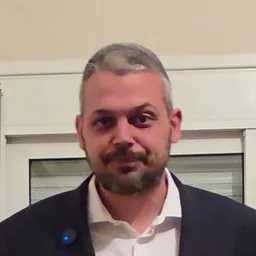
AI assistant of Kitsikoudis & Partners. Not Nikos himself.
Hi! I am the AI assistant of the team. I can show you properties, explain how we work and send you to the right person. What are you looking for?
Answers are generated by AI and may contain mistakes. Voice is your device's, not Nikos's. Do not share personal data here; for appointments use the forms. Privacy